
How to play
System requirements
Make sure your system is ready before you enter the outbreak. Undead Blocks runs through the official launcher and requires a supported desktop setup, available storage, and a stable internet connection.
Recommended Setup
For Smooth Gameplay
Zombie waves can get intense, especially as the screen fills with enemies and effects. For the best experience, close unnecessary background apps, keep your graphics drivers updated, and use a stable broadband connection.
Windows Support
Recommended for Windows 10 64-bit or later with a quad-core CPU and dedicated graphics.
Mac Support
Recommended for macOS 10.13 High Sierra or later with a quad-core CPU and enough available memory.
Internet Required
A broadband internet connection is recommended for account login and online gameplay.
Storage Space
Keep at least 4 GB available storage for the current build and future updates.
Undead Blocks Performance Tips
Update your graphics drivers, restart before major play sessions, reduce graphics settings if frames drop, and use a wired or strong Wi-Fi connection for a better match experience.
Ready To Install?
Download Launcher
Choose launcher installer 1.0.2 for your supported Windows or macOS desktop platform.
Download LauncherNeed Help?
Contact support or join Discord for installation and performance questions.
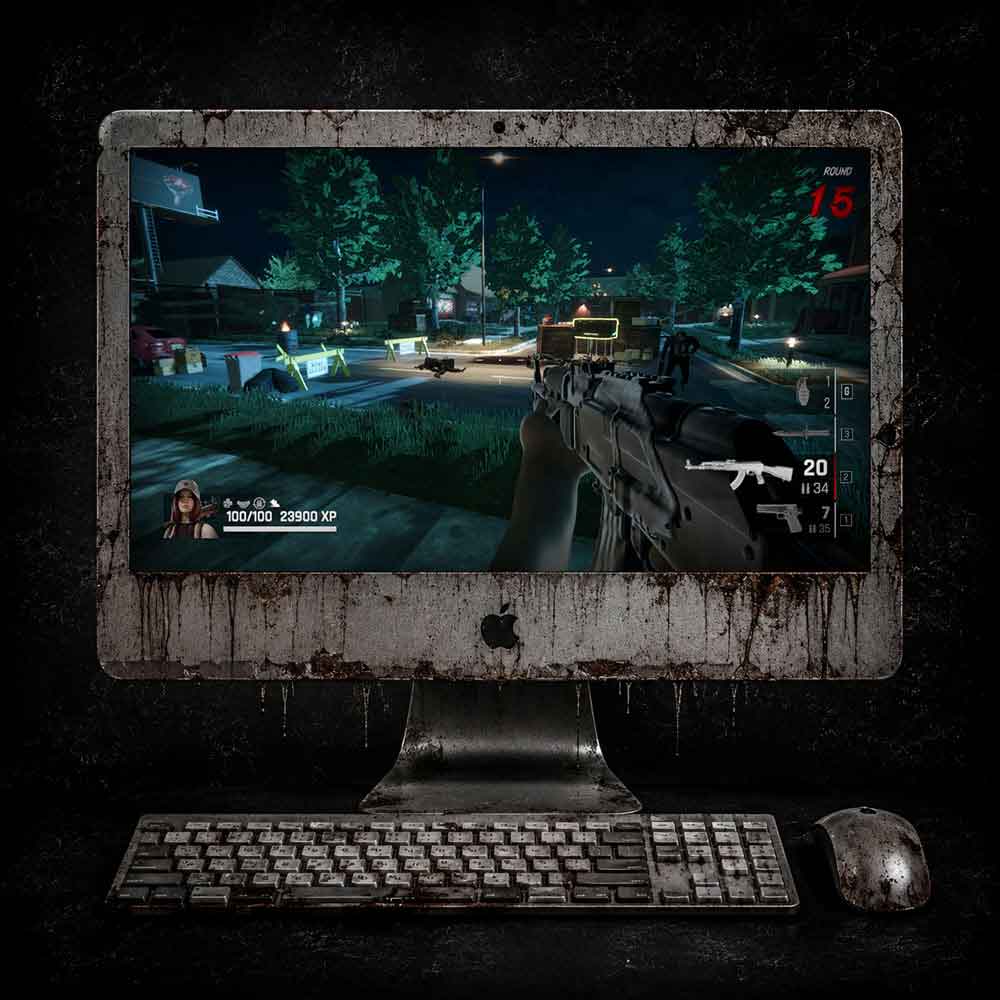
Mac Requirements
- OS: macOS 10.13 (High Sierra) or later
- PROCESSOR: Quad-core CPU or faster
- MEMORY: 8 GB RAM (16gb for optimal performance)
- STORAGE: 4 GB available storage
- Broadband internet connection or online play
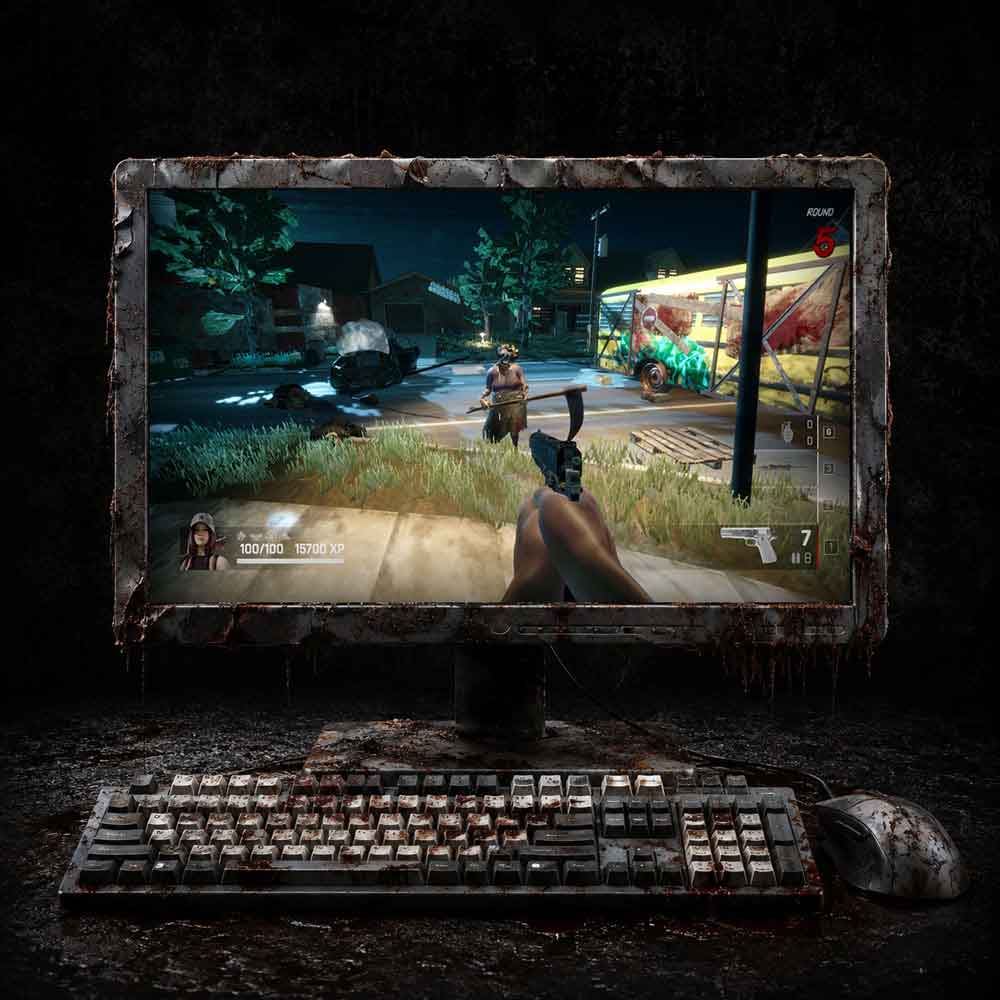
Windows Requirements
- OS: Windows 10 (64-bit) or later
- PROCESSOR: Quad-core CPU, such as an Intel Core 15-3330 or AMD FX-6300 or better
- MEMORY: 8GB RAM (16gb for optimal performance)
- GRAPHICS: NVIDIA GeForce GTX 750 Ti or AMD Radeon R7 260X or recent equivalent
- STORAGE: 4GB available storage
- Broadband internet connection or online play