
How to play
Download launcher
Download the official Wagyu Games launcher installer for Windows or macOS. The current published installer filename identifies launcher version 1.0.2.
Download for Windows Download for macOSStart With The Official Launcher
The launcher is the entry point into Undead Blocks. Choose the verified installer for your platform and use only the official files hosted by Wagyu Games.

Official Download
Launcher installer 1.0.2 is available for Windows and macOS from the current Wagyu Games player dashboard source.
Account Login
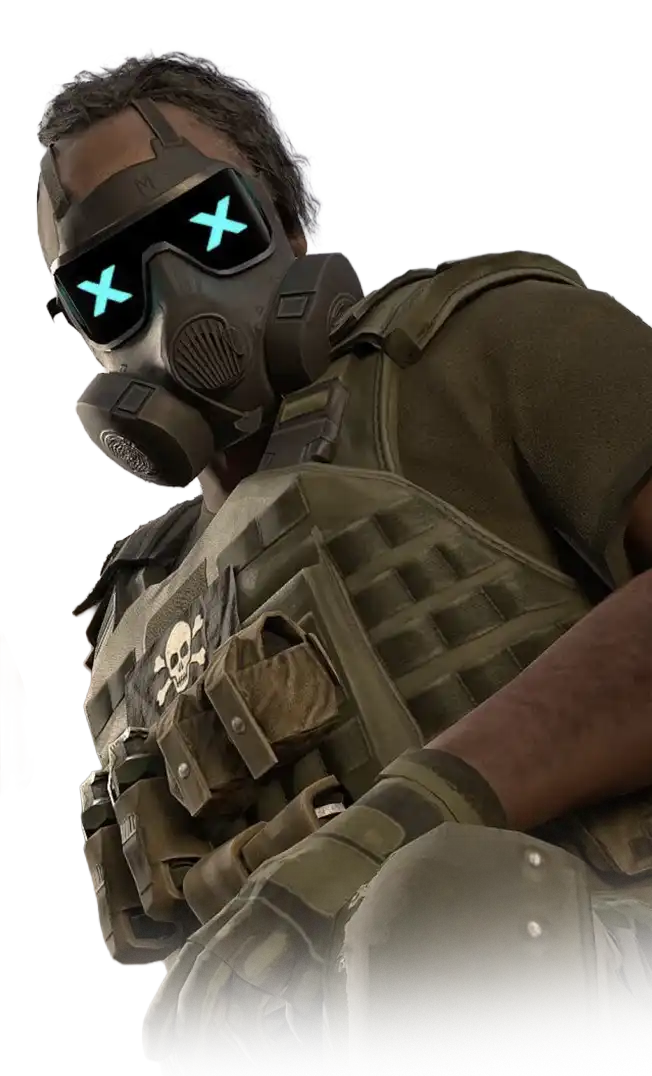
Log in with your Wagyu Games account to access your player profile and available modes.

Desktop Gameplay
Undead Blocks is built for launcher-based gameplay on supported desktop systems.

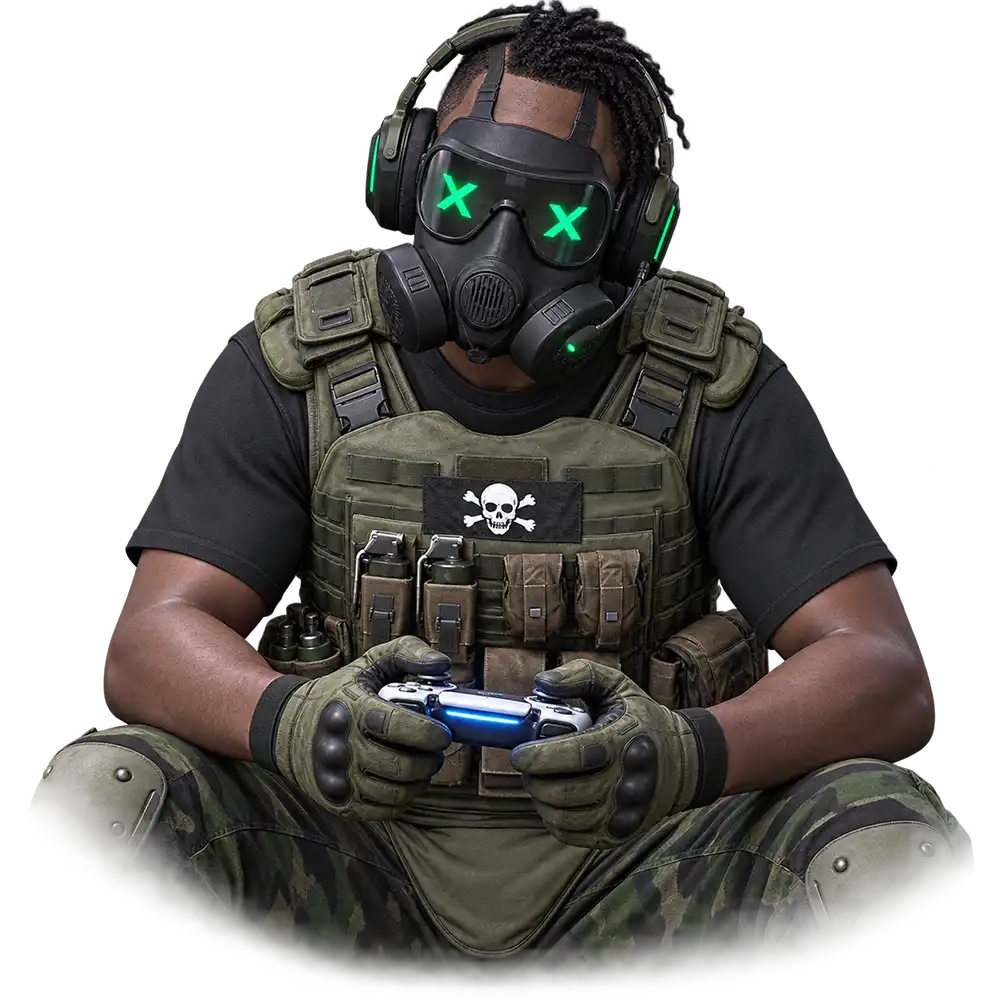
Controller Friendly
Players may use Xbox and PlayStation supported controller setups when configured through their system.
Before You Install
Check the system requirements, make sure you have enough available storage, and confirm your internet connection is stable for online gameplay.
Install And Launch
Run the installer for your platform, open the launcher, and sign in. Once the game is installed, select an available mode and begin your first run.
Keep Your Build Current
Follow official announcements and patch notes for future launcher and game updates.
Download. Install. Survive.

Get The Launcher
Choose launcher installer 1.0.2 for your desktop platform.
Windows Launcher 1.0.2 macOS Launcher 1.0.2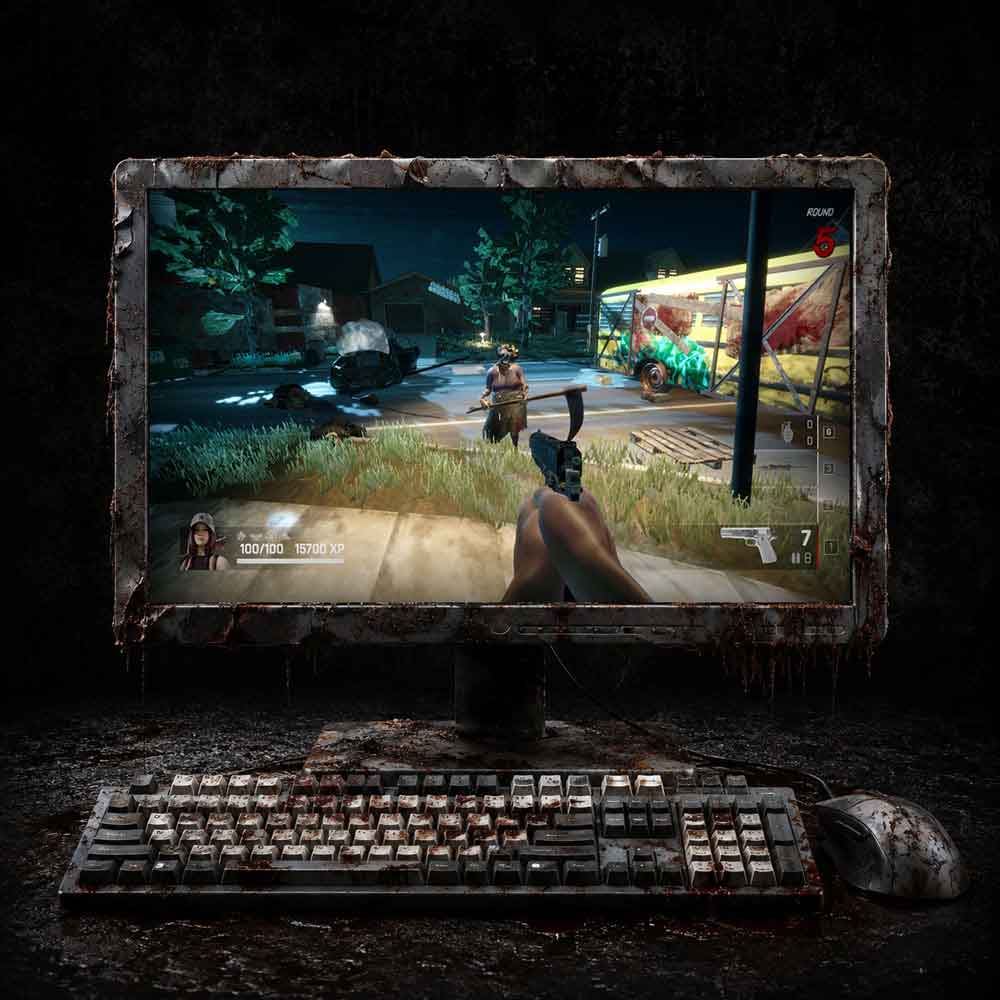
Check Requirements
Review system specs before downloading to help avoid performance issues.
Review specs